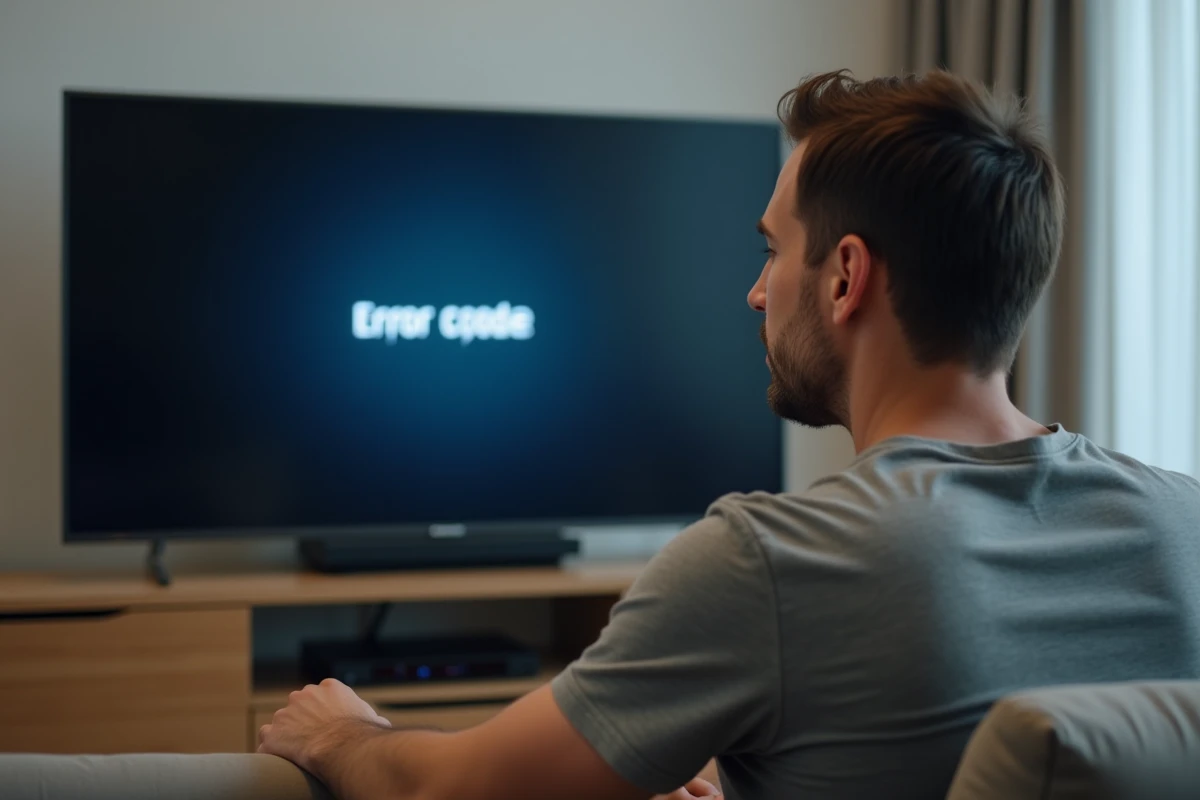
The error code S01-06 on an Orange TV decoder indicates a communication breakdown between the decoder and the Livebox. It is not a hardware failure in the strict sense, but a network negotiation failure between two devices that can no longer authenticate each other on the local network.
Network Layer of S01-06: What Blocks Between Livebox and Decoder
The Orange TV decoder establishes a network session with the Livebox via the DHCP protocol to obtain an IP address, then initiates an IGMP stream to access channels. The S01-06 code appears when this sequence fails, usually at the stage of address assignment or multicast tunnel resolution.
We observe that this blockage occurs more frequently on powerline connections (Liveplug) than on direct Ethernet connections. Powerline communication is sensitive to electrical interference generated by switch-mode power supplies, chargers, and surge-protected power strips. A powerline adapter plugged into a power strip loses a significant portion of its usable bandwidth, which is enough to drop the TV session.
Over Wi-Fi, the problem manifests differently. The wirelessly connected decoder to the Livebox faces the same constraints as a standard device: channel congestion, distance, load-bearing walls. An article detailing the origins of the Orange error code S01-06 confirms that the Wi-Fi connection remains the most frequent source of failure for this type of code.
The direct Ethernet connection between the Livebox and the decoder eliminates most of these variables. If the RJ45 cable is of category 5e or higher and the length does not exceed a hundred meters, the connection remains stable.
Livebox Reset: Why a Simple Restart Is Not Enough
Turning the Livebox off and on fixes the S01-06 in most cases, but not all. A factory reset will not fix the problem if the internal routing table or DHCP configuration is corrupted. Orange specifies this in its support documentation.
There are two levels of reset:
- The partial reset, accessible via the reset button held for a few seconds, which restarts the services without touching the saved network configuration.
- The complete reset, available from the Livebox administration interface (accessible at the usual gateway address), which restores all settings to their factory state and forces a new negotiation with Orange servers.
- Navigating through the web interface is particularly useful when the physical reset button is inaccessible or unresponsive, which happens on some Liveboxes with embedded mechanisms.
After a complete reset, the reactivation process can take more than twenty minutes. The display of My Local Network and the status of services in the Orange and Me app do not update instantly. Concluding a failure before this time is a common mistake that leads users to restart the procedure repeatedly.
Case of Manual Reactivation Post-Reset
Orange reports situations where the Livebox displays a message after reset like “Hello, complete your installation by clicking on the SMS sent to 06…”. This scenario involves a manual reactivation of the TV and internet service. Without this step, the decoder remains stuck on S01-06 even if the Livebox is functioning correctly on the internet side.
Diagnosis of Wiring and Orange Powerline Adapters
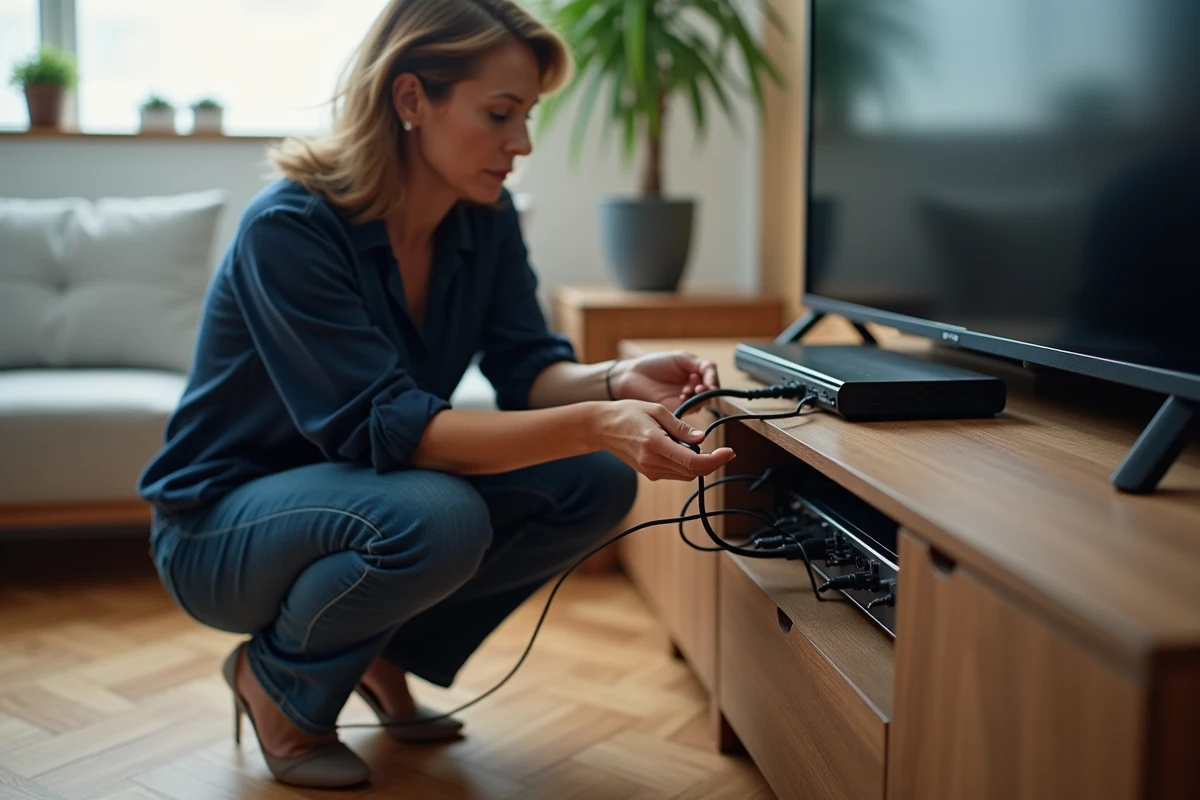
Before any software manipulation, we recommend a systematic physical check. Wiring remains the most underestimated cause of S01-06.
- Check that the Ethernet cable between the Livebox and the decoder (or between the powerline adapter and the decoder) is securely clicked in on both ends. A poorly inserted RJ45 connector maintains an intermittent connection that causes micro-cuts.
- Test another Ethernet cable if available. Cables bent at right angles or trapped under furniture may suffer from invisible internal damage.
- On a powerline/Liveplug connection, unplug both adapters, wait about thirty seconds, then plug them back into direct wall outlets (no power strips, no extensions). Press the pairing button to resynchronize the pair.
- Check that the electrical outlet used by the powerline adapter is not shared with a high-consumption device (vacuum cleaner, microwave, tumble dryer) that generates interference on the electrical network.
A defective Ethernet cable produces exactly the same symptoms as a software failure. Replacing the cable is the quickest and most reliable test.

Livebox 5 and Fiber: Specificities of S01-06 in FTTH Environment
The S01-06 code is not reserved for ADSL subscribers. In fiber optics, bandwidth is not the limiting factor, but the network configuration of the Livebox can pose problems after a firmware update or a change in settings.
The Livebox 5 has known instabilities on the decoder link when both the 5 GHz and 2.4 GHz Wi-Fi bands are active simultaneously with a wirelessly connected decoder. Forcing the decoder onto the 5 GHz band (if distance allows) or switching to Ethernet significantly reduces occurrences of S01-06.
On a fiber network, the latency between the Livebox and the decoder must remain below the IGMP timeout threshold. Local congestion (simultaneous downloads, streaming on multiple devices) can saturate the local network bandwidth even if the internet speed is more than sufficient. The S01-06 is a local network issue, not an internet speed issue.
When to Contact Orange Support
If the wiring has been checked, a complete reset has been performed, the reactivation time has been respected, and the S01-06 persists, the problem is likely on the Orange infrastructure side or a hardware defect in the decoder itself. Technical support can run a remote diagnostic on the line and, if necessary, proceed with a decoder exchange.
The S01-06 remains a local network code. In the vast majority of cases, the solution involves a direct Ethernet cable, a complete reset of the Livebox, and adherence to the reactivation time. The simplest manipulations are also the most effective, provided they are executed in the correct order and without haste.